Which AI can I use with Cabinet Designer?
Any AI app that speaks MCP and runs on the same PC. We tested it with the free ChatGPT desktop app (no subscription; download it separately from OpenAI); it also works with Claude Desktop, Claude Code, VS Code, Cursor and LM Studio for fully local models. In Cabinet Designer open the AI assistant menu, tick Enable the AI assistant, then use AI assistant settings to connect your app in one click or create its plugin.
Can the AI change my project or prices without asking?
It works through the normal interface, so every change shows on screen and can be undone. CNC safety confirmations are always yours, and when the AI changes a price the program asks you to confirm it, with No as the default. The assistant is off until you switch it on, and only the AI app you connect can reach it.
What can I do with the free trial?
Design without limits — every typology, the full hardware library, drawers, shelves, edge management and the room composer. The trial shows everything the Professional version does and only meters the production output: 5 SCM Maestro (CNC) exports, 5 cut lists and 5 quoted-drawing PDFs (Cabinet Designer and the Composer together), plus a DEMO watermark on photorealistic renders. In the Professional version they are unlimited.
Which CNC machines are supported?
Native SCM Maestro export in XCS or PGMX (PGMX generated via XConverter): drilling, milling, blade cuts and toe-kick pockets are emitted as real Maestro operations, including the F6 bottom-face split. Neutral DXF and CSV are also produced for other saws and workflows.
What does Cabinet Designer include?
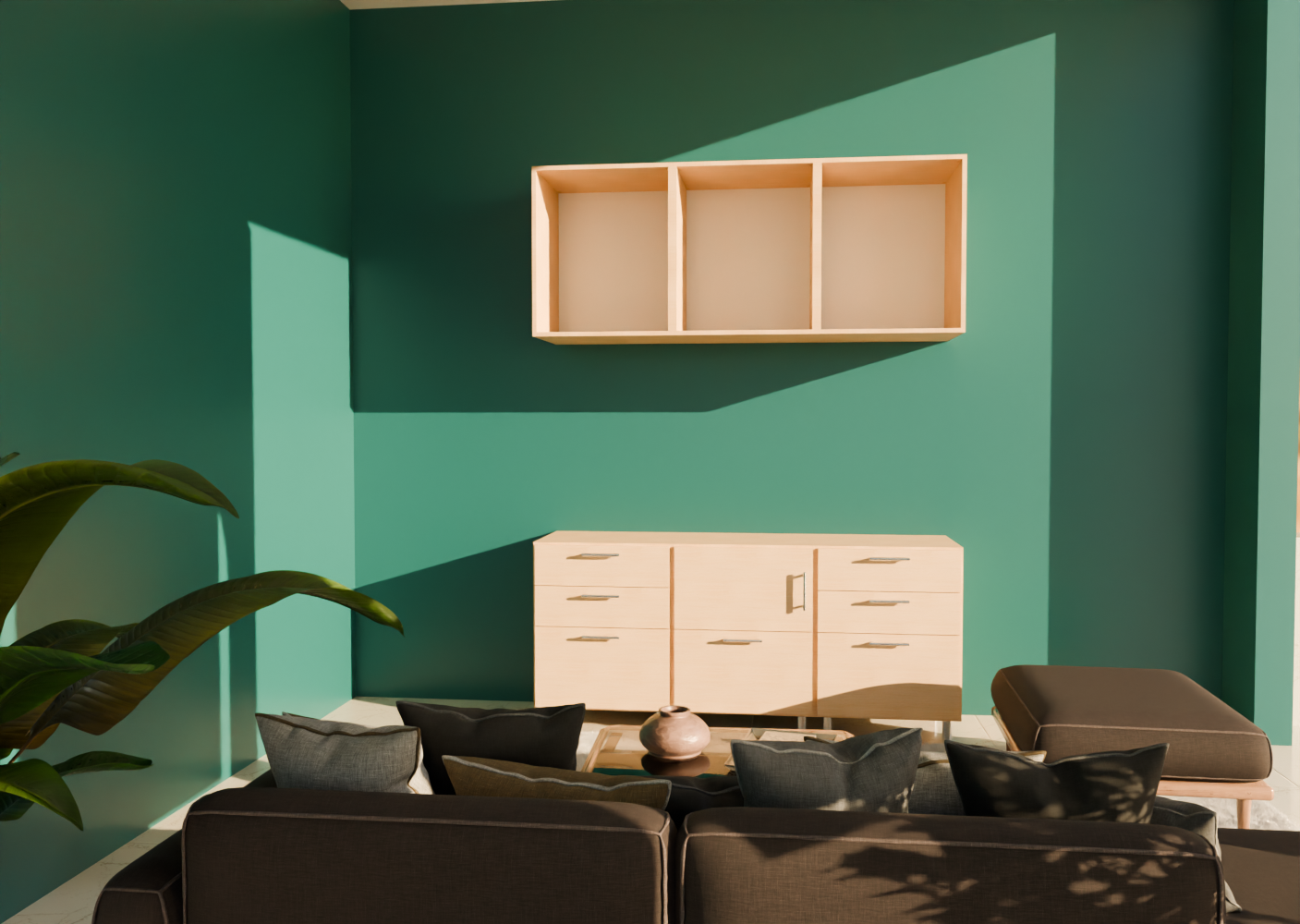
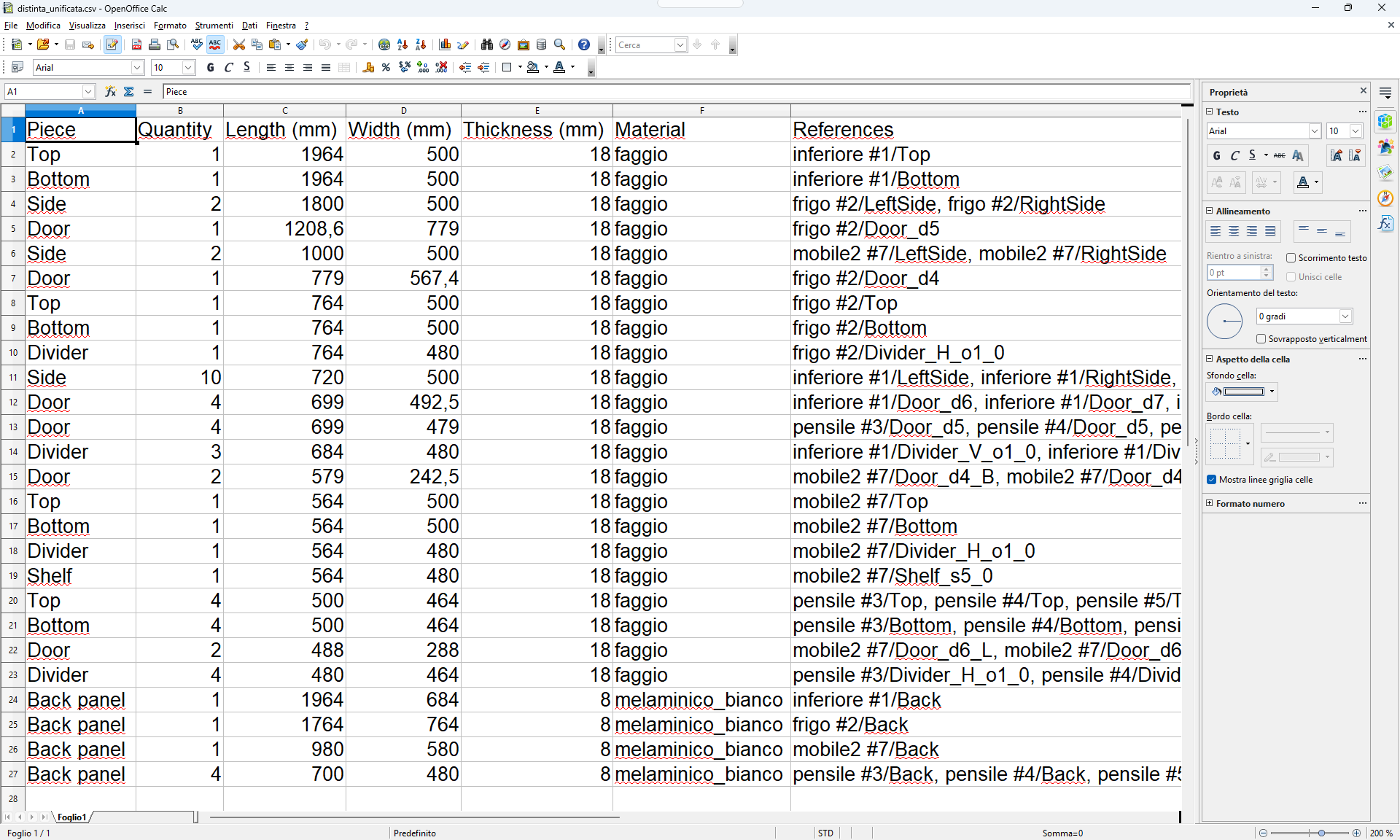
A complete design-to-machine chain, not a drawing tool: parametric carcasses, corner and slanted-top typologies, the hardware and material libraries, edge-banding technology with blank compensation, cut lists, quoted PDF drawings, photorealistic rendering and native SCM Maestro programs (XCS/PGMX) — including 5-axis operations and the F6 bottom-face split. It covers both Cabinet Designer and the room Composer, in nine languages.
What are the system requirements?
Windows 10/11 (64-bit), an Intel Core i5 or equivalent, 8 GB RAM (16 GB recommended), a DirectX 11 GPU and 3 GB of free space. See the full list in the Download section.
In which languages is the software available?
Nine, switchable live inside the app: Italian, English, French, German, Spanish, Portuguese, Dutch, Polish and Arabic — with Arabic both apps are laid out from right to left, user manual included. Every language except Arabic also has its own dedicated YouTube channel; the Arabic one is coming.